The Reference Studio for Serious Artists
Draw with exact proportions. No distracting UI banners over your canvas, no forced cloud uploads, and no recurring subscription trap.
Simple 4-Step Process
From Reference Photo to Flawless Drawing
Engineered to eliminate measurement frustration so you can focus on tone, stroke, and expression.
Choose Reference
Import any photo from your gallery or capture directly from camera. Never uploaded to remote servers.
Build Your Grid
Dial 1–50 precision rows/cols. Switch between Dynamic Square (1:1) or Aspect Rectangle with golden diagonals.
Draw with Precision
Zoom up to 20× with constant 2px line weight. Toggle Rec. 601 Black & White to study tonal values.
Export Your Result
Save your completed drawing reference up to 4096px lossless PNG directly to your device gallery.
Try the Grid Engine in Your Browser
Experience the mathematical precision: choose an artwork study, dial column counts, toggle Rec. 601 tonal study filters, and inspect cell diagonals in real time.
Proven Results
Before & After Artwork Studies
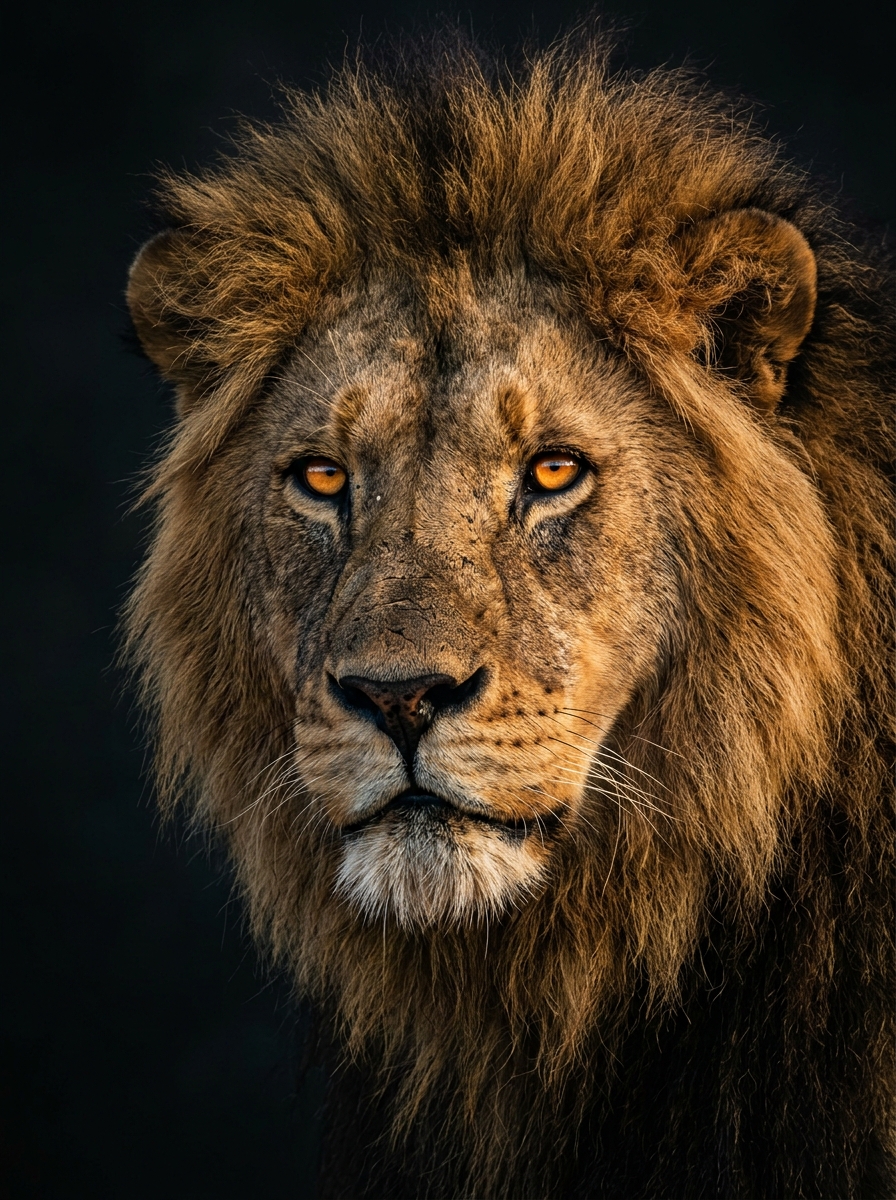
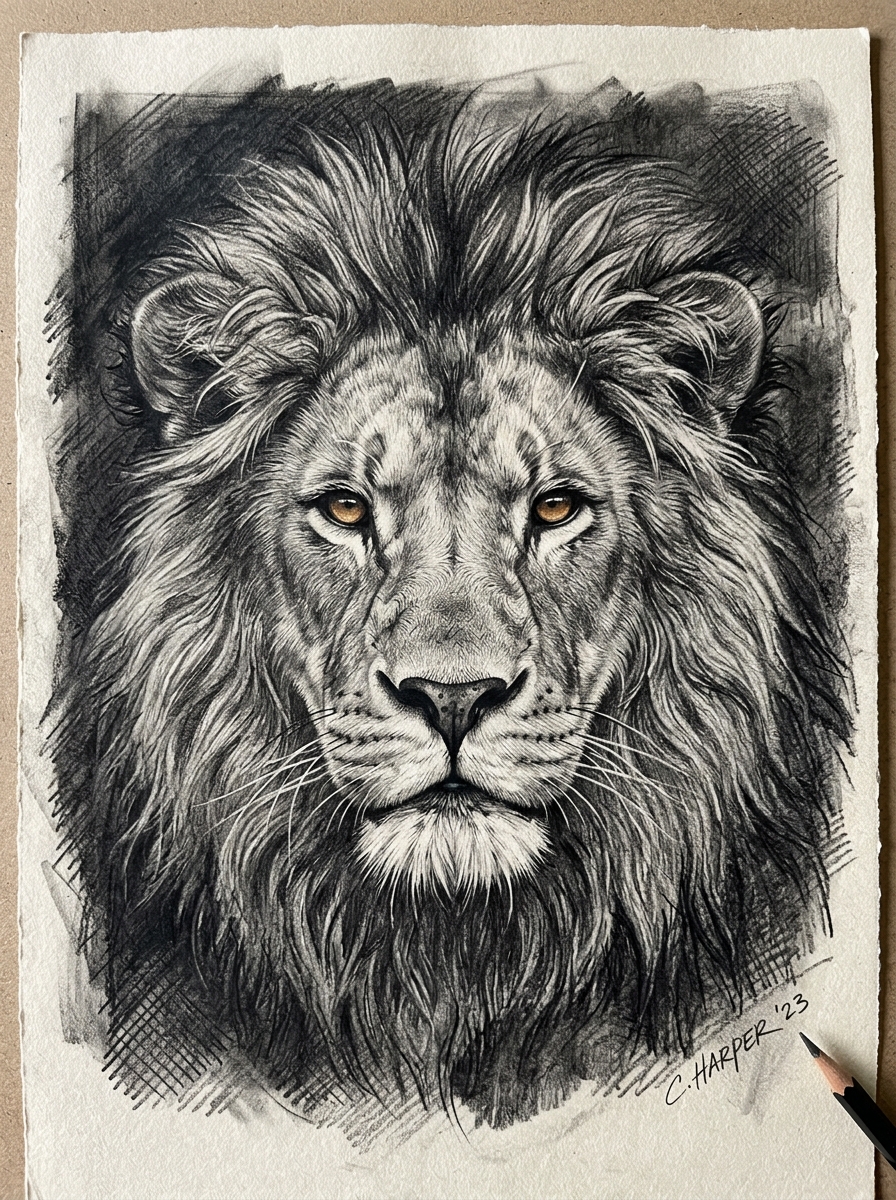
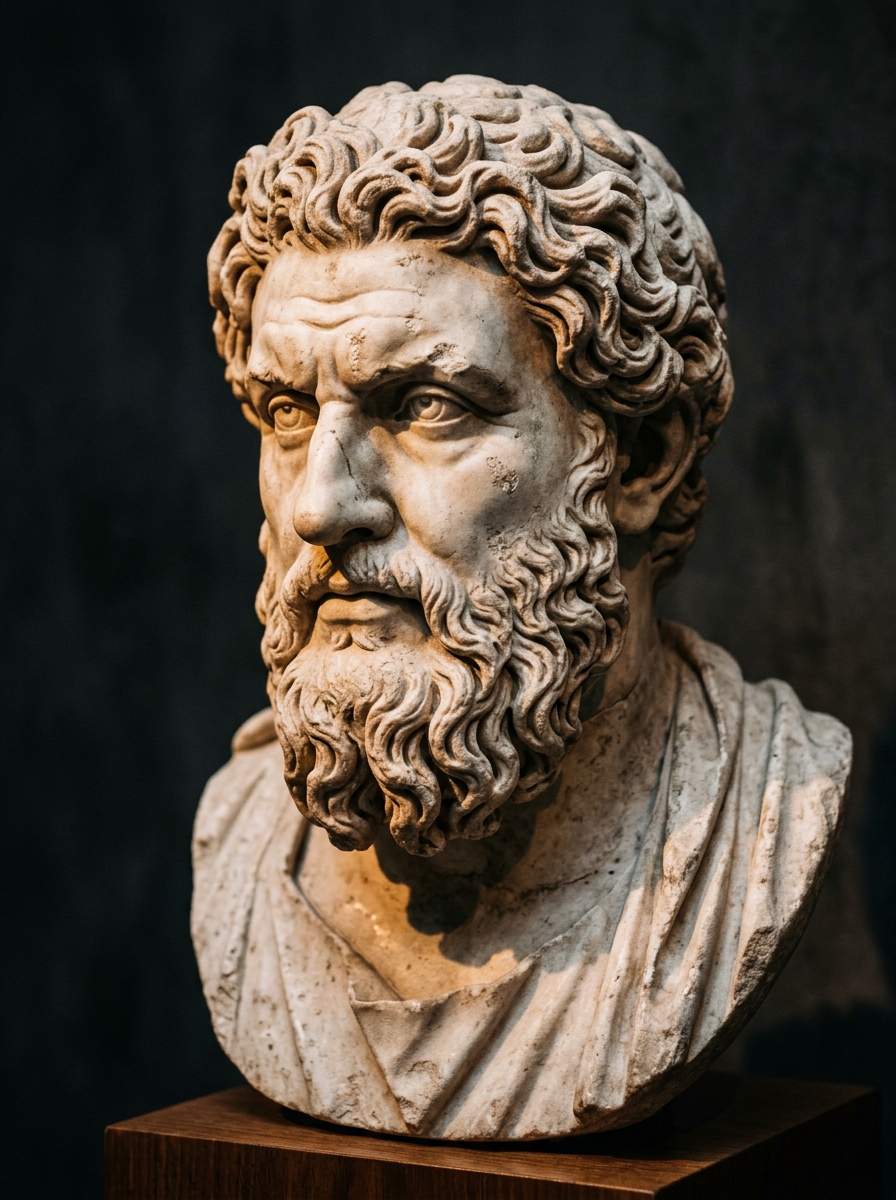
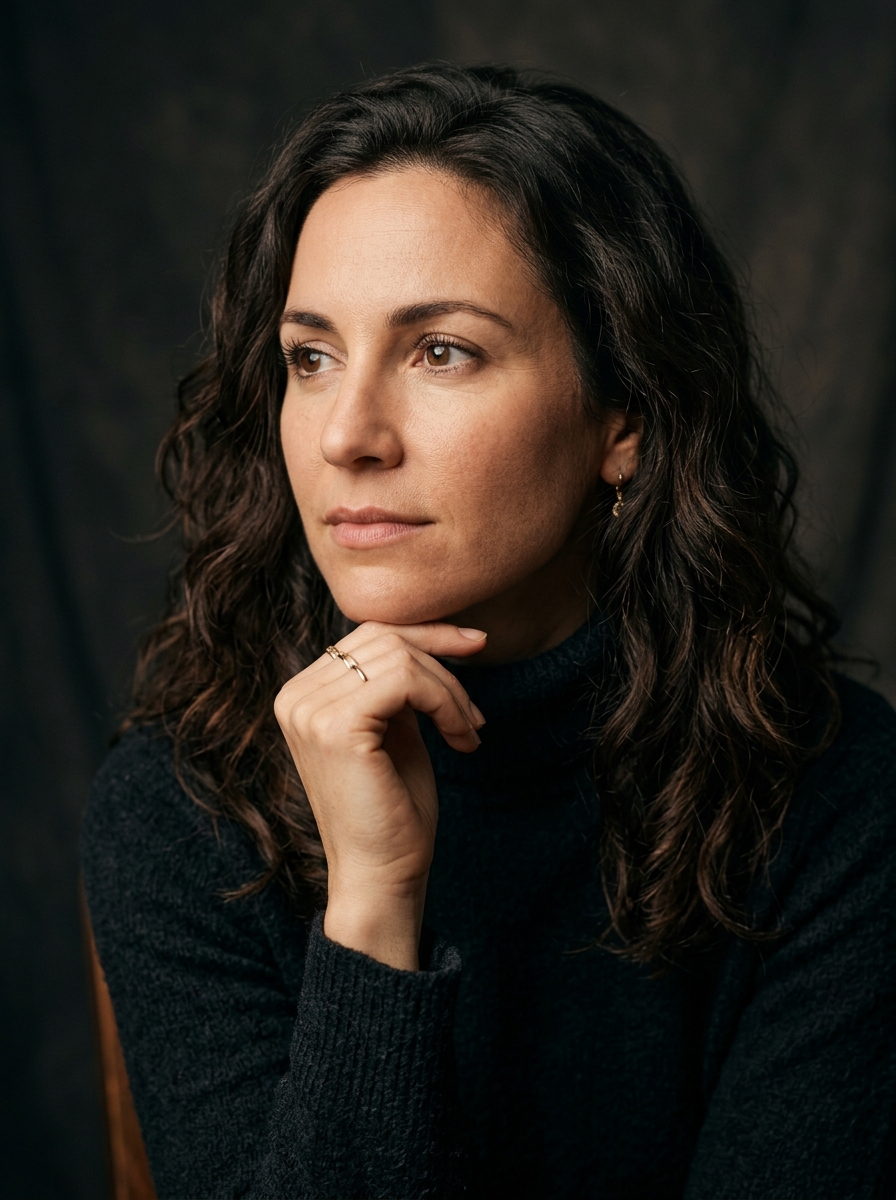
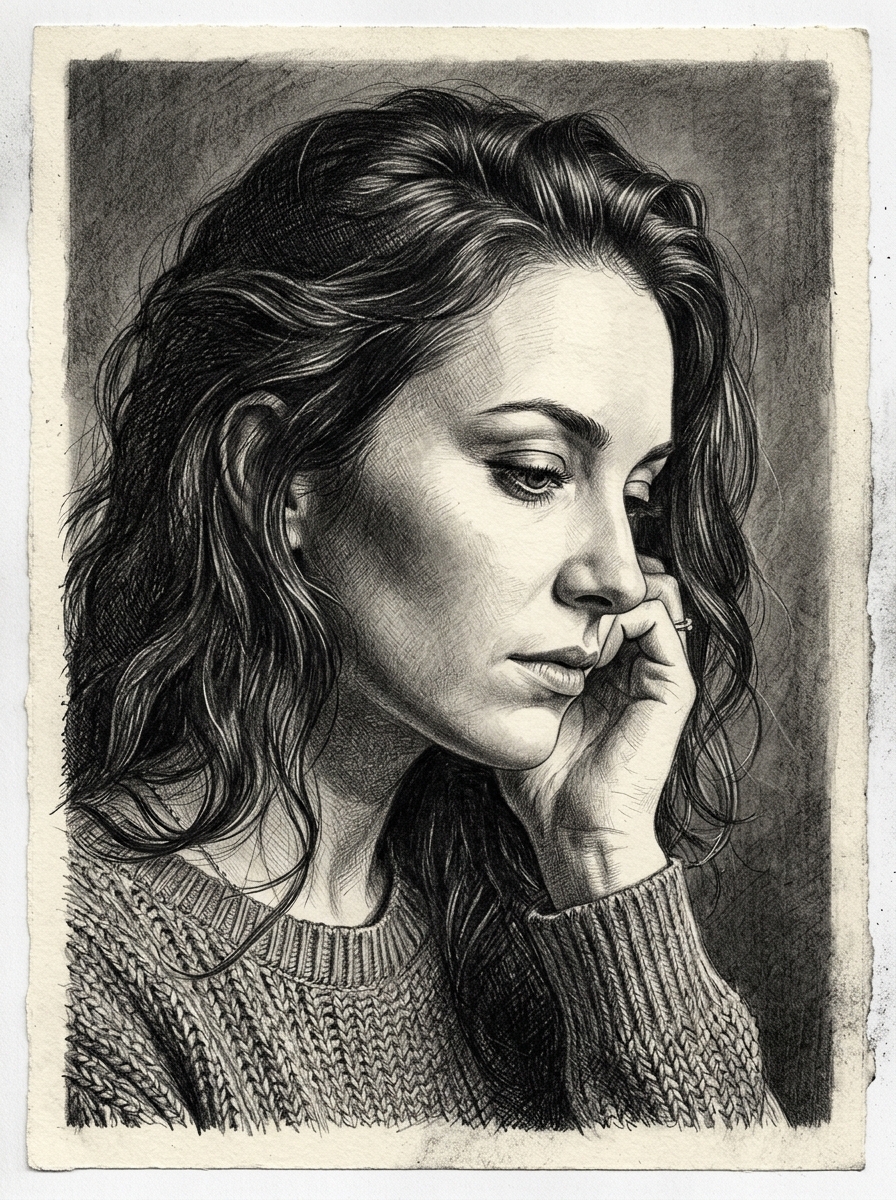
See how artists use ArtGrid to tackle portraiture, animal musculature, complex perspective, and still life values.
The Philosophy
Why Artists Choose ArtGrid
PRECISION
Exact grid control with scale-invariant mathematics. 1–50 divisions, dynamic square modes that eliminate dead margins, and corner-coincident diagonals.
FOCUS
Distraction-free, 100% edge-to-edge canvas. No ad banners obscuring your active drawing viewport or export screens. Tap to auto-hide all toolbars.
CONTROL
Adjust rotation, flips, and tonal filters non-destructively. Lock gestures with one tap so your zoom level never shifts while checking measurements.
Built for Precision
Essential Tools for the Reference Board
1–50 Rows & Columns
Fine-grained steppers allow exact cell counts from coarse anatomical blocking to fine millimeter grids.
20× Skia GPU Zoom
Grid line weight and coordinate text sizes remain razor-sharp and constant in physical screen pixels at any zoom level.
Dynamic Square Mode
Locks cells to an exact 1:1 square ratio with zero dead margins at the canvas bottom.
Rec. 601 Value Study Filters
Normalized luminance matrix for true value studies, plus 1.6× linear contrast to detect subtle form shadows.
High-Resolution Offscreen Export
Direct gallery export up to 4096px in lossless PNG or compressed JPEG format.
Three-Tier Storage Persistence
Multi-resolution asset caches keep live drawing GPU memory under 16MB while preserving full-resolution originals.
What Stays on Your Device • Plain Truth
We believe trust is earned through transparency. Here is exactly where your data lives:
Stored 100% locally on your device. Never uploaded, scanned, or transmitted to any cloud servers.
Processes standard device advertising identifiers according to your consent. Withdrawable anytime in Settings.
Aggregated, anonymous feature usage to measure app stability without tracking personal identities.
Technical error diagnostics to eliminate native memory leaks and preserve 60 FPS drawing frame rates.
Questions & Answers
Frequently Asked Questions
What is ArtGrid?
ArtGrid is a specialized reference-grid maker engineered for artists and draftsmen to break down reference photos into accurate proportions using the classic grid drawing technique.
Can I use my own photos?
Yes. You can import any photo from your device gallery or take pictures with your device camera directly inside the app.
How many rows and columns can I use?
You can configure anywhere from 1 to 50 columns and 1 to 50 rows. In Dynamic Square mode, the row count is automatically computed to maintain an exact 1:1 square ratio with zero dead margins.
Do I need an account to use ArtGrid?
No. ArtGrid has no account creation, no email signups, and no cloud logins. You install the app and start drawing immediately.
Are my reference images uploaded to any servers?
No. All image loading, grid rendering, filter adjustments, and exports happen 100% locally on your device. We do not store or transmit your photos.
Can I export in high resolution?
Yes. The free tier offers Standard resolution (up to 1920px). You can also export Original Source resolution (up to 4096px) by watching a single rewarded video or unlocking Lifetime Pro.
Does ArtGrid work offline?
Yes. Core drawing reference functionality, grid overlays, image adjustments, and saving work fully offline without an active internet connection.
How does the rewarded ad work?
For free users exporting in Original Source resolution, watching a 30-second sponsored video unlocks the high-resolution file. If an ad is unavailable or fails to load, ArtGrid grants the high-resolution export for free rather than blocking your work.
Ready to Draw with Total Precision?
Download ArtGrid on Android and take command of your reference proportions today.
Requires Android 7.0 and up • Package: com.artgrid.draw